How do I turn a signature into an SVG?
- Sign in dark ink on plain paper. Black or blue pen both work; so does pencil, in our test. Plain paper is safer than lined: a red margin line traced along with the signature.
- Scan it, or photograph it in even light. Keep your phone's shadow off the page. Black & White mode uses one cut-off for the whole image, and a shadow can land on the wrong side of it.
- Crop close to the signature. Cropping removes lines, edges and shadows before they become shapes, and it doesn't cost you a trace.
- Choose the Sketch preset before you upload. It sets Black & White with Filter Speckle 4. On the free plan every trace counts, including a re-trace with new settings.
- Drop in the image (PNG, JPG, WebP or GIF), zoom into the preview to check the strokes, and download the SVG.
What did we test?
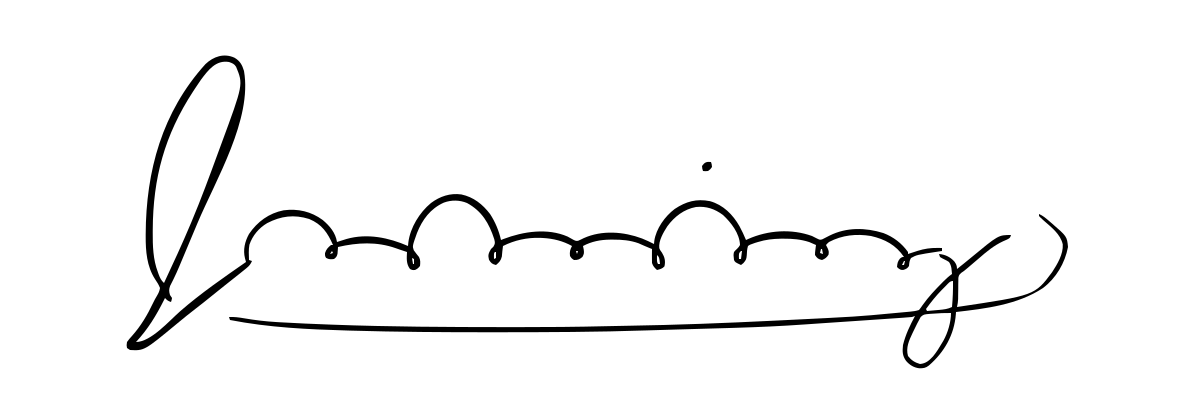
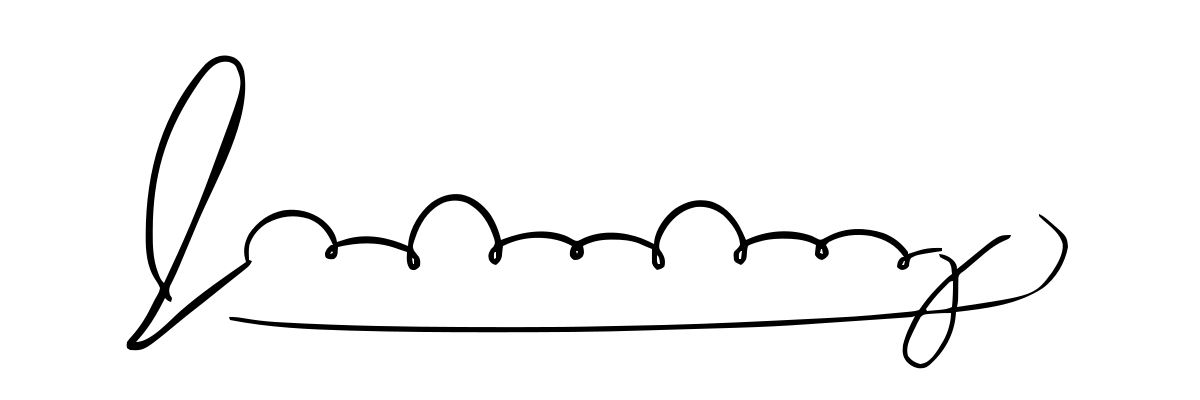
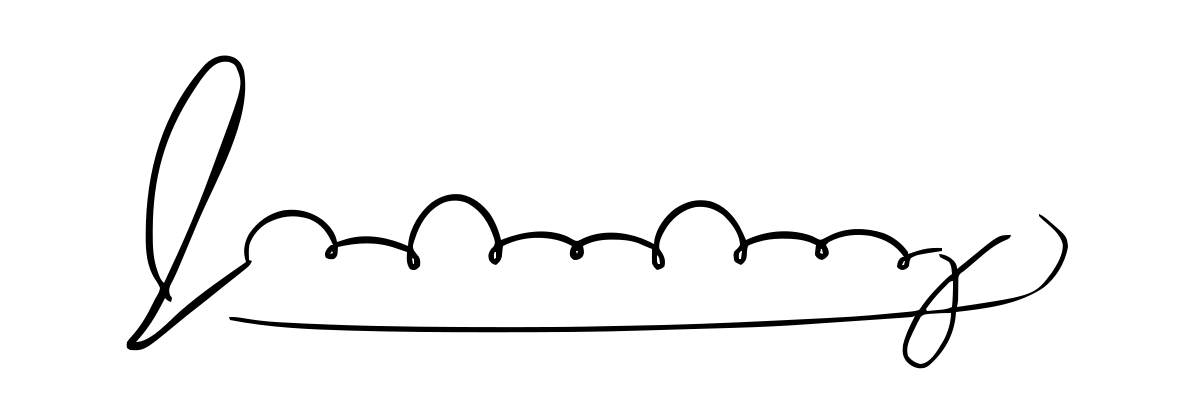
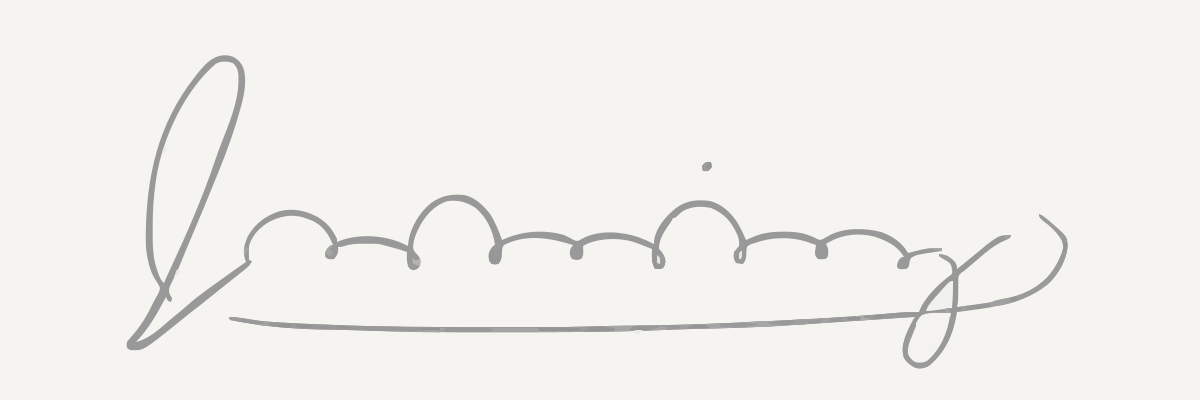
We drew one made-up signature with code, so we know exactly where every bit of ink is, then rendered it five ways and traced each image four times with Image2Vector's own converter:
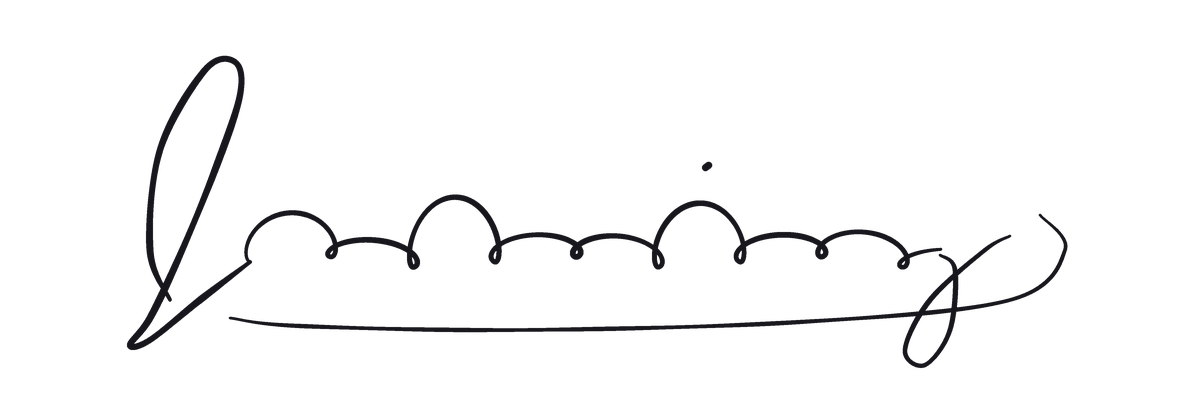
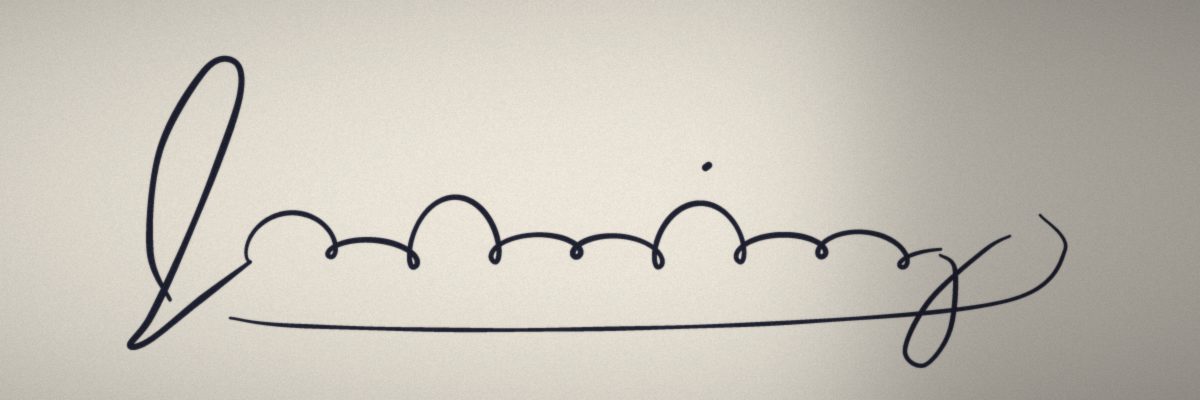
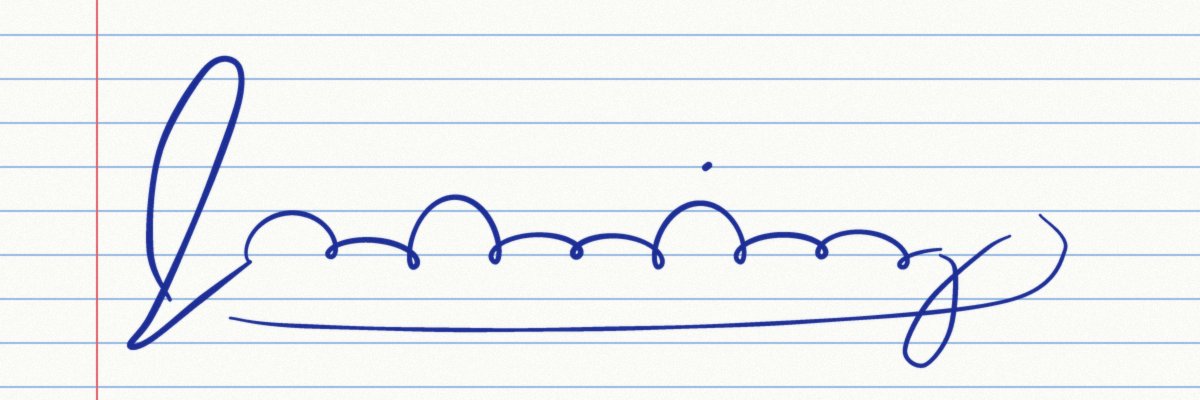
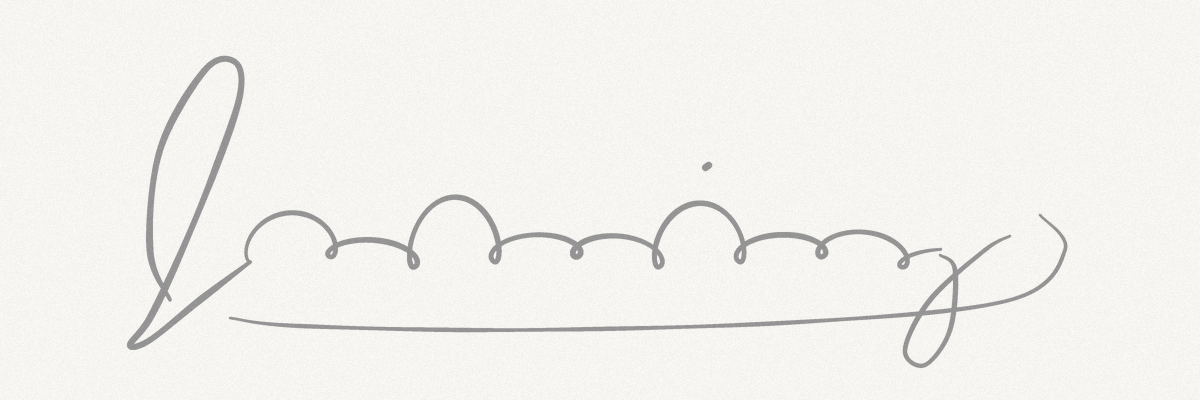
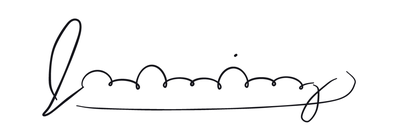
We then painted every Black & White trace back to pixels and compared it with the ink we drew, at 4× resolution. A traced edge within 1 pixel of the ink counts as on the ink.
Paths are <path> elements that draw something. Colours are the distinct fill colours in the SVG. Ink traced is the share of the real ink the trace covers. Extra area is traced area more than 1 pixel from any ink, as a share of the ink's own area, so 100% means the extra shapes are as big as the signature itself. The small copy was enlarged 3× to compare it with the full-size ink. We don't score Color mode, because it traces the paper as shapes too.
What happened to each signature?
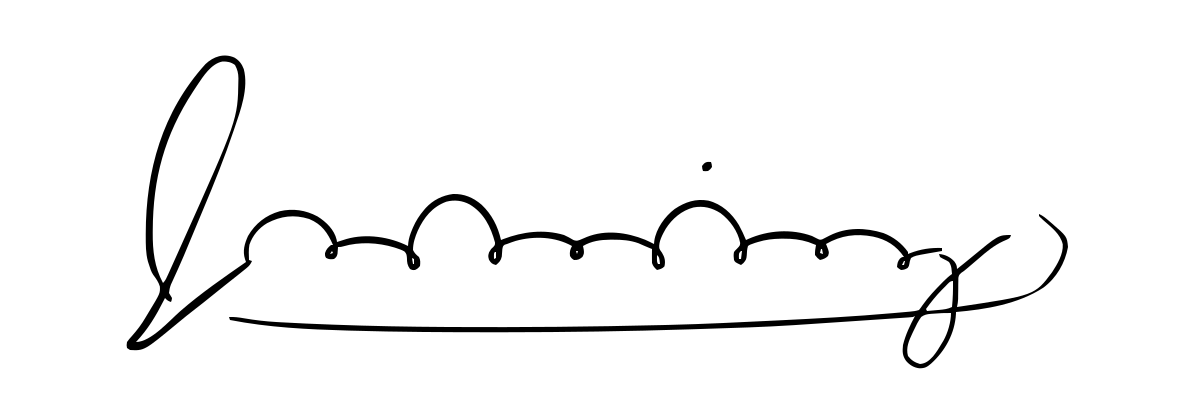
Clean scan — black ink on white (source file 46.1 KB)
| Setting | Paths | Colours | Ink traced | Extra area | File size | Result |
|---|---|---|---|---|---|---|
| Sketch preset (Black & White, Filter Speckle 4) | 3 | 1 | 98.3% | 0.2% | 22.3 KB | SVG |
| Black & White, Filter Speckle 16 | 2 | 1 | 97.9% | 0.2% | 22.1 KB | SVG |
| Black & White, Filter Speckle 40 | 2 | 1 | 97.9% | 0.2% | 22.1 KB | SVG |
| Logo preset (Color, Filter Speckle 4) | 29 | 24 | — | — | 33.3 KB | SVG |
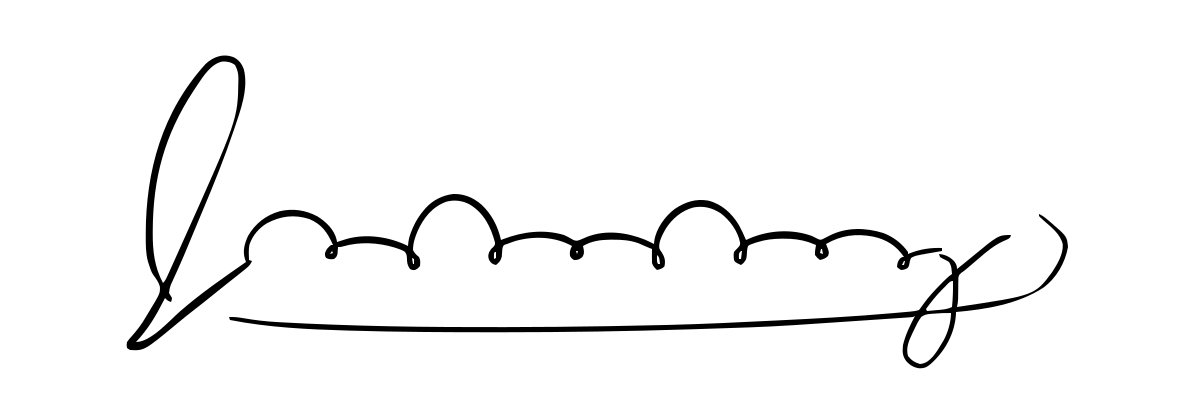
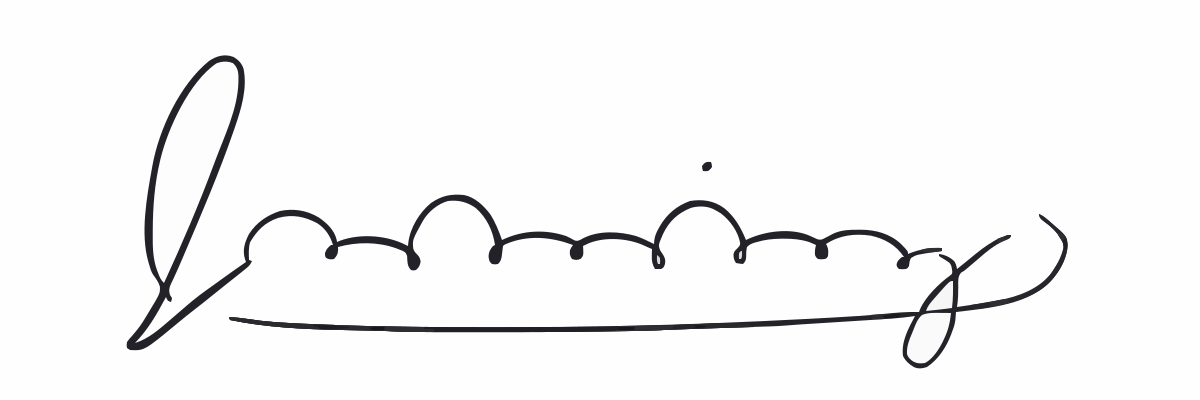
Phone photo with a shadow — blue-black ink on warm paper; a soft shadow dims the right end by 25% (source file 46.5 KB)
| Setting | Paths | Colours | Ink traced | Extra area | File size | Result |
|---|---|---|---|---|---|---|
| Sketch preset (Black & White, Filter Speckle 4) | 4 | 1 | 100.0% | 764.2% | 29.3 KB | SVG |
| Black & White, Filter Speckle 16 | 1 | 1 | 99.6% | 764.0% | 28.7 KB | SVG |
| Black & White, Filter Speckle 40 | 1 | 1 | 99.6% | 764.0% | 28.7 KB | SVG |
| Logo preset (Color, Filter Speckle 4) | 473 | 450 | — | — | 221.3 KB | not published |



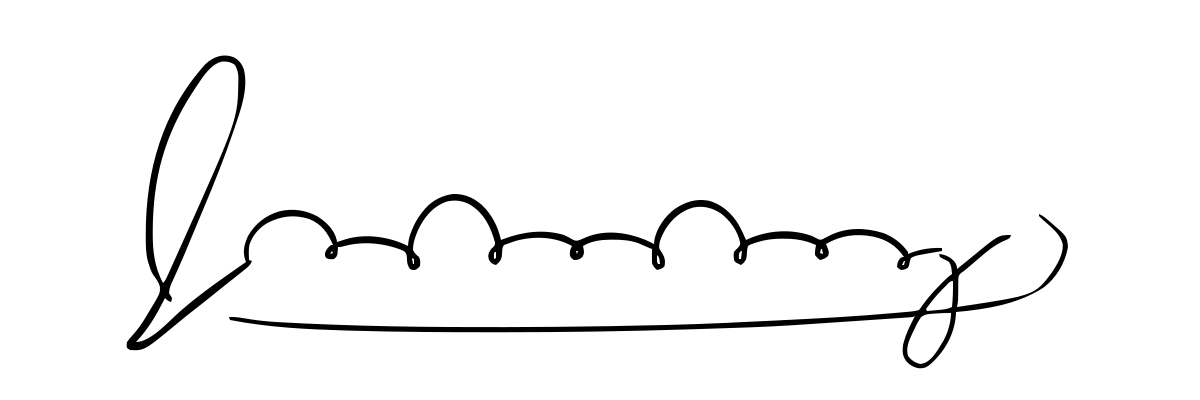
Ruled notebook paper — blue ballpoint over light-blue lines and a red margin line (source file 70.1 KB)
| Setting | Paths | Colours | Ink traced | Extra area | File size | Result |
|---|---|---|---|---|---|---|
| Sketch preset (Black & White, Filter Speckle 4) | 4 | 1 | 100.0% | 6.4% | 24.1 KB | SVG |
| Black & White, Filter Speckle 16 | 3 | 1 | 99.6% | 6.4% | 23.8 KB | SVG |
| Black & White, Filter Speckle 40 | 2 | 1 | 99.6% | 0.6% | 23.7 KB | SVG |
| Logo preset (Color, Filter Speckle 4) | 517 | 485 | — | — | 277.2 KB | not published |
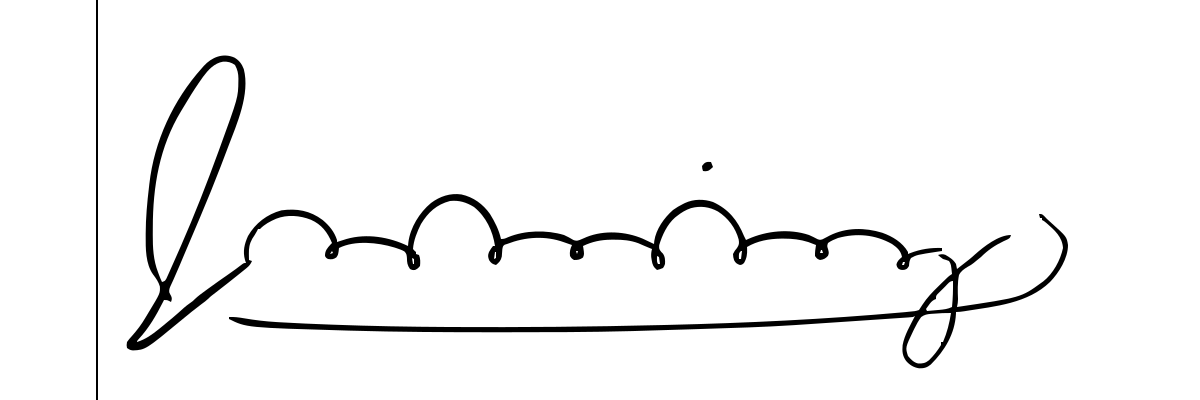
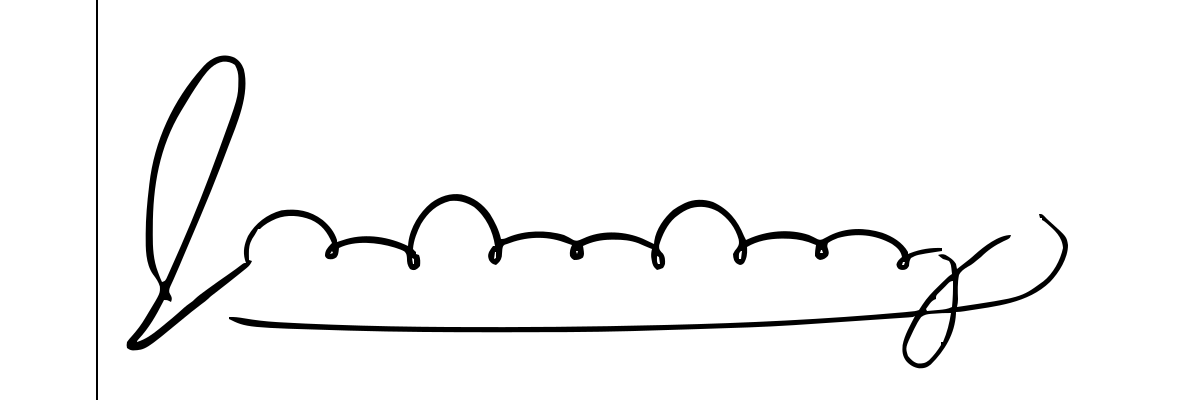
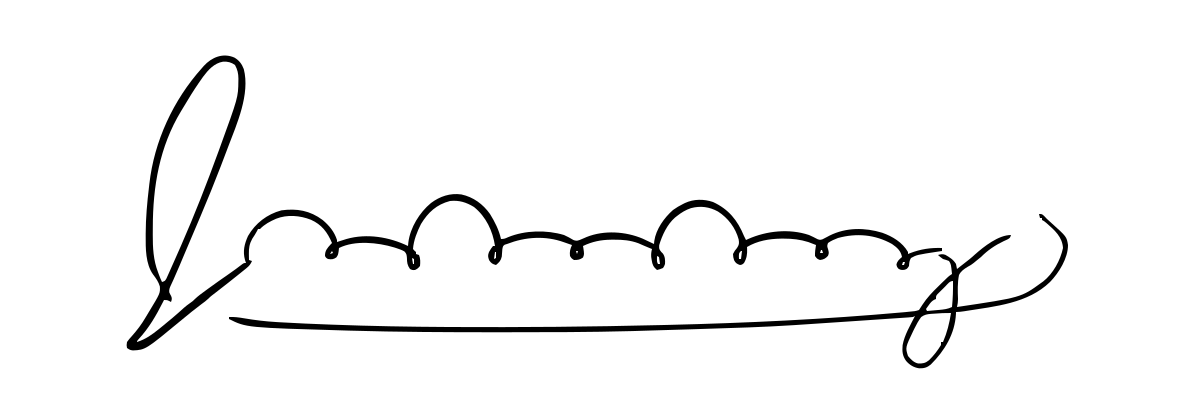
Pencil — light graphite on paper with grain (source file 338.9 KB)
| Setting | Paths | Colours | Ink traced | Extra area | File size | Result |
|---|---|---|---|---|---|---|
| Sketch preset (Black & White, Filter Speckle 4) | 3 | 1 | 99.8% | 1.4% | 22.2 KB | SVG |
| Black & White, Filter Speckle 16 | 2 | 1 | 99.4% | 1.4% | 21.9 KB | SVG |
| Black & White, Filter Speckle 40 | 2 | 1 | 99.4% | 1.4% | 21.9 KB | SVG |
| Logo preset (Color, Filter Speckle 4) | 55 | 34 | — | — | 41.1 KB | SVG |
Small copy — the clean scan at a third of the size, 400 × 133 px (source file 12.9 KB)
| Setting | Paths | Colours | Ink traced | Extra area | File size | Result |
|---|---|---|---|---|---|---|
| Sketch preset (Black & White, Filter Speckle 4) | 2 | 1 | 97.7% | 20.2% | 10.6 KB | SVG |
| Black & White, Filter Speckle 16 | 2 | 1 | 97.7% | 20.2% | 10.6 KB | SVG |
| Black & White, Filter Speckle 40 | 0 | 0 | 0.0% | 0.0% | 0.1 KB | SVG |
| Logo preset (Color, Filter Speckle 4) | 31 | 30 | — | — | 27.6 KB | SVG |
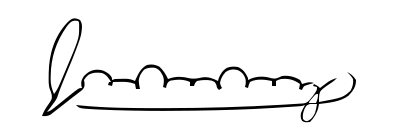
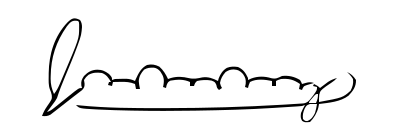

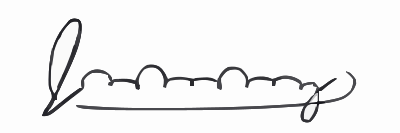
Measured 2026-10-21. Raw numbers: results.json.
Why did a shadow ruin the trace?
Black & White mode turns the image into one dark group and one light group, with a single cut-off chosen for the whole image (Otsu's method). Everything in the dark group is traced in black. A shadow darkens the paper under it, and once it's dark enough, that paper falls into the dark group with the ink.
We traced the phone photo with shadows of different strengths, using the Sketch preset. Up to 20% dimming the trace was clean. At 25%, the shadowed end of the page became one solid shape, 764% of the signature's own ink area. Neither Filter Speckle 16 nor 40 removed it, because it's one big shape rather than specks.
| Shadow on the phone photo | Paths | Ink traced | Extra area | File size |
|---|---|---|---|---|
| No shadow | 3 | 100.0% | 1.4% | 23.2 KB |
| Right end dimmed by 10% | 3 | 100.0% | 1.6% | 21.4 KB |
| Right end dimmed by 20% | 3 | 100.0% | 1.4% | 22.6 KB |
| Right end dimmed by 25% | 4 | 100.0% | 764.2% | 29.3 KB |
| Right end dimmed by 30% | 3 | 100.0% | 786.5% | 27.5 KB |
| Right end dimmed by 40% | 2 | 98.1% | 815.1% | 24.8 KB |
So scan the signature if you can. If you photograph it, use daylight or a lamp off to the side, hold the phone so its shadow misses the page, and crop out anything you don't need. Color mode isn't a way round it: on the same photo it traced 450 colours of paper and shadow into a 221.3 KB file.
Do pencil, blue ink or lined paper work?
- Pencil worked. The cut-off is chosen per image, so lighter grey strokes still landed in the dark group: 99.8% of the ink traced, with 1.4% extra area.
- Blue ink is fine. Black & White traces any ink dark enough to be in the dark group, and the result is black.
- Light-blue rules dropped out, but the red margin line didn't. It traced as a long thin shape and added 6.4% extra area. Filter Speckle 40 removed it, along with the dot over the i, so cropping the margin off is the better fix.
How big should the signature image be?
As big as you have. The small copy (400 × 133 pixels) traced into blobby strokes: enlarged to full size, it had 20.2% extra area, against 0.2% for the full-size clean scan, and its small loops and the dot over the i were gone. At Filter Speckle 40 the whole small signature disappeared, because every stroke covered less area than a 40 × 40 pixel square. Use the original scan or photo, not a copy taken from a PDF, an email or a screenshot.
Which Filter Speckle setting should I use?
Keep 4, the Sketch preset's setting. Filter Speckle drops every shape smaller than a square of that many pixels per side: we traced black squares, and at 16 the 15-pixel square vanished while the 16-pixel one stayed. The dot over an i is usually the smallest shape in a signature, so it goes first: at 16 it disappeared from our clean scan, which went from 3 paths to 2. Crop away specks and lines instead of raising the slider.
Why not use Color mode?
Color mode traces the paper as well as the ink. On the clean scan it produced 24 colours, against 1 in Black & White, and its first shape is a white rectangle covering the whole canvas, so the signature can't sit on top of a document or photo. A Black & White SVG contains only black shapes, so everything around the ink stays transparent.
Can I use the SVG in an email signature?
Use a PNG for email. According to caniemail.com, last tested on September 16, 2026, Gmail renders SVG images but converts them to PNG, and Outlook for Windows 2007 to 2016 doesn't display them. Apple Mail (macOS 14, iOS 15 and later), Outlook 2019, Outlook.com and Yahoo Mail do. Keep the SVG for documents, print, web pages, cutting and engraving, and save a PNG copy from any vector editor for email.
Can I cut or engrave a traced signature?
Yes, as long as the machine fills shapes. Each pen stroke becomes a filled shape with an outline on both sides, not a single centre line. That suits vinyl decals and engraving with a fill: see PNG to SVG for Cricut and vectorizing for laser cutting. A tool that follows outlines instead, like a plotter pen, or a laser set to cut or score along lines, would trace both edges of every stroke.
Is it safe to upload my signature?
Image2Vector converts uploads in memory and doesn't store the image. It logs conversion details, such as IP address and file type, to enforce the free limit (see the Privacy Policy). Treat the SVG like a scan of your signature: anyone who has the file can place it anywhere, so keep it out of public folders and shared drives.