What did we test?
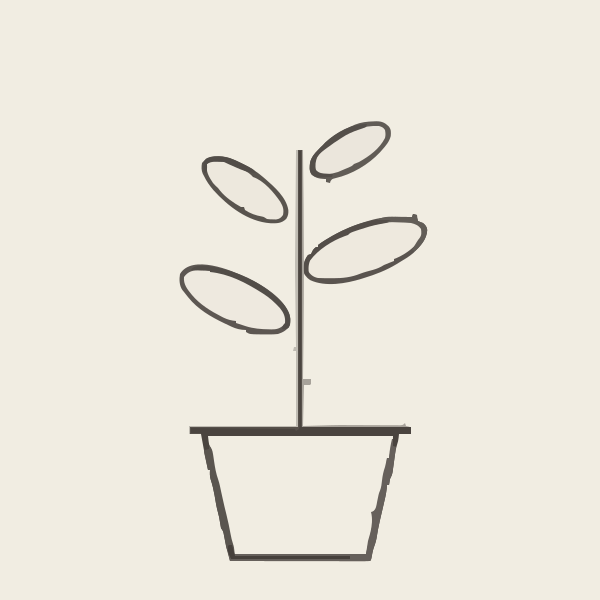
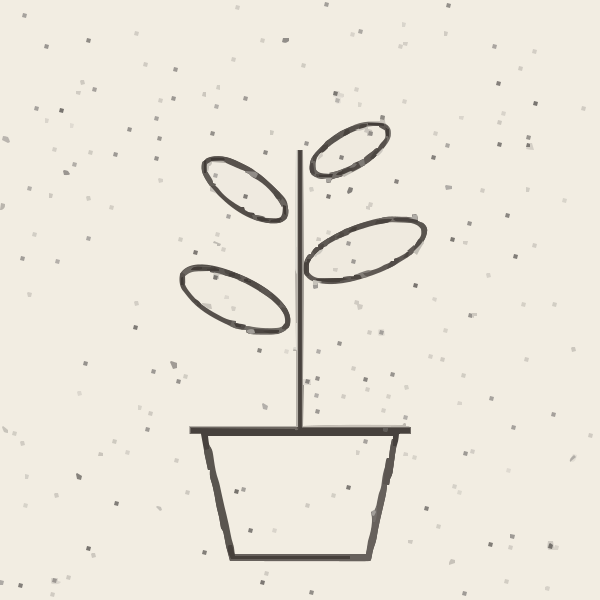
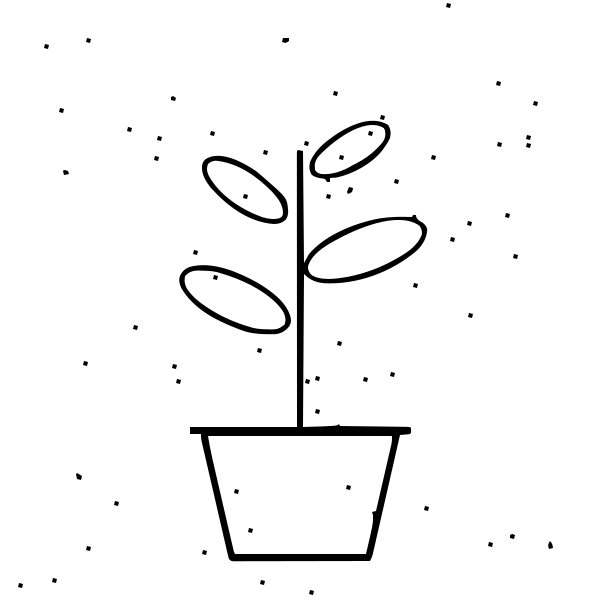
Three images we made for this test, each 600 × 600 pixels, traced with Image2Vector's own converter on October 14, 2026:


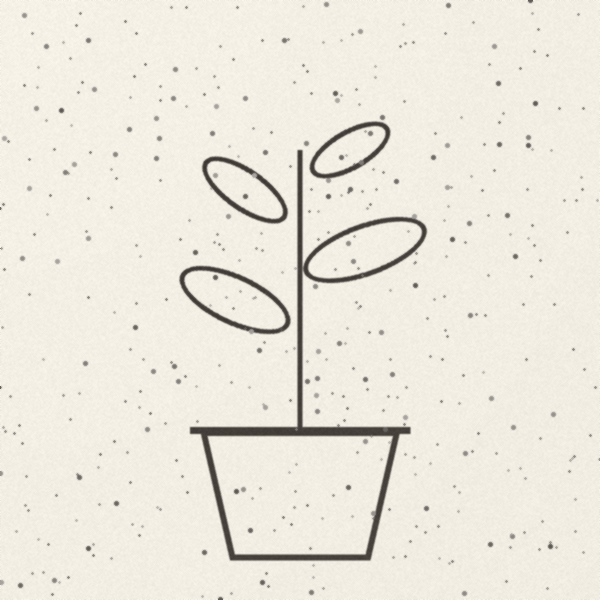
Each image was traced five times. Every setting changes one control from the default (the Logo preset: Color mode, Filter Speckle 4, Corner Threshold 60, Path Precision 8):
- Default — the Logo preset as-is.
- Filter Speckle 0 — keep every shape, however small.
- Filter Speckle 16 — drop small shapes more aggressively.
- Path Precision 3 — keep fewer decimal places per coordinate.
- Black & White — one colour instead of full colour.
Paths are <path> elements that draw something. Nodes are anchor points. File size is the SVG in KB (1 KB = 1,000 bytes).
What does each setting change?
Flat logo (PNG) — source file 53.8 KB



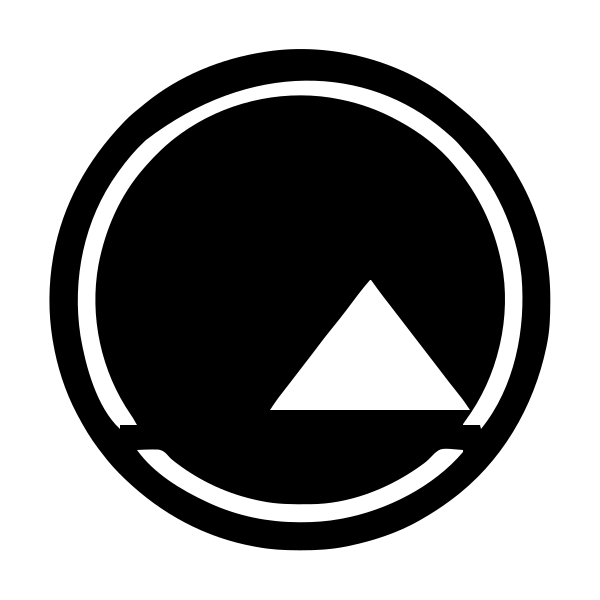
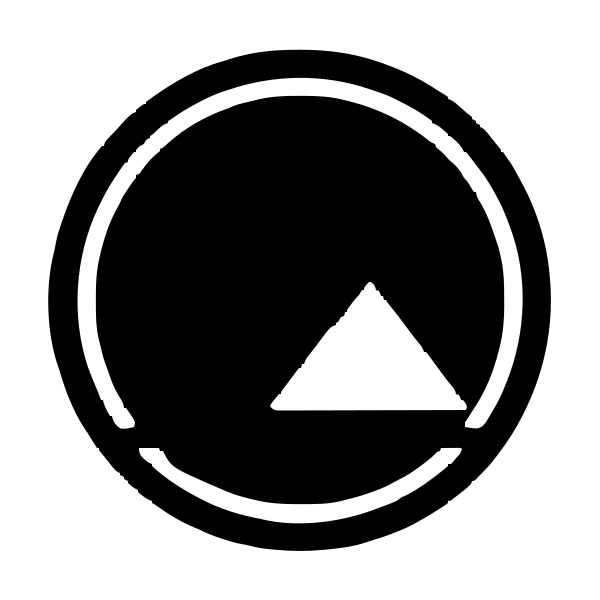
Low-quality logo (small JPEG) — source file 15.7 KB



Pencil sketch on paper (PNG) — source file 266.8 KB
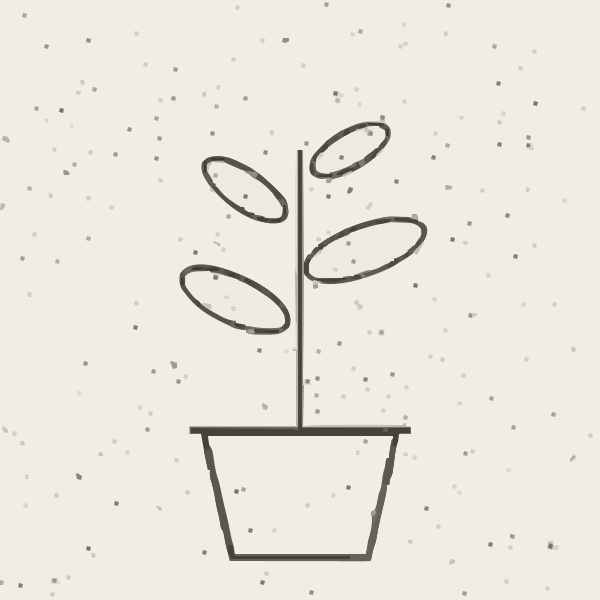
Measured 2026-10-14 on 600 × 600 px images. Raw numbers: results.json.
Why does my traced SVG have so many paths?
Usually it's noise in the source image. Compression artifacts, the soft anti-aliased pixels along every edge, paper grain and dust each become tiny shapes of their own. Filter Speckle drops shapes smaller than its setting, so it's the first slider to reach for:
- On the low-quality JPEG, the default (4) gave 821 paths. Filter Speckle 16 gave 64, and 0 gave 9,404.
- On the pencil sketch, the default gave 349 paths, almost all of them dust and grain. Filter Speckle 16 gave 21.
- Even the clean PNG logo went from 11 paths to 1,247 at Filter Speckle 0, because every anti-aliased edge pixel became a shape.
At Filter Speckle 0 the files also contained thousands of empty <path> elements that draw nothing (6,442 in the clean logo's file), and they were 4 to 18 times larger than the defaults. The cleanest fix is a cleaner source: the same logo gave 11 paths from a clean PNG and 821 from a small, compressed JPEG.
How do I make a traced SVG file smaller?
- Raise Filter Speckle. On our two noisy images it removed most of the shapes and cut file size by 61% (JPEG) and 69% (sketch).
- Lower Path Precision. Going from 8 to 3 kept exactly the same paths and nodes but rounded every coordinate (for example 131.67138204 became 131.671). Files got 34% (clean logo), 23% (JPEG) and 16% (sketch) smaller.
- Use Black & White when one colour is enough. It gave the smallest file for every image: 10.1 KB for the clean logo, 26.4 KB for the JPEG and 22.7 KB for the sketch.
Why does my SVG have a white background?
Image2Vector flattens transparent areas onto white before tracing. In Color mode, that white is traced like any other colour: the first path in the file is a white shape covering the whole canvas. On a cutting machine it would cut as a rectangle around your design. To get rid of it:
- In a vector editor (Inkscape, Illustrator, Figma), it's the bottom-most shape. Select it and delete it.
- In cutting software such as Cricut Design Space, hide or delete the white layer that covers the whole design before you cut. See PNG to SVG for Cricut.
- Or use Black & White mode, which traces only the darker artwork and adds no background shape.
Why did Black & White mode drop part of my design?
Black & White mode splits the image into a darker group and a lighter group and traces only the darker one. Our clean logo (navy and orange on white) became a single path with both colours in it. Very light colours, such as pale yellow or light grey, can fall into the lighter group and disappear — use Color mode for designs that rely on them.
The split also catches mid-grey marks. On the pencil sketch, Black & White kept 65 paths because some dust specks were dark enough to count; raise Filter Speckle to drop them.
How can I tell if an SVG is really a vector?
Open the file in a text editor. A traced SVG is made of <path d="M… C…"> elements with long lists of coordinates. If you see an <image> element with embedded data instead, it's a bitmap wrapped in an SVG file: it will blur when enlarged and won't cut cleanly. You can also zoom far in: real vector edges stay sharp.
Can I re-trace an image with different settings for free?
On the free plan, every trace counts toward the 1 conversion a day, including re-tracing the same image with new settings. Choose the preset or mode before you upload. Pro removes the daily limit.
Download the test files
The three test images, 12 of the 15 SVG results (the Filter Speckle 0 files are 0.5–2.5 MB of noise, so we only report their numbers) and the raw numbers in results.json are linked in the tables above. Results depend on the converter version, so we'll re-run the test when the converter changes.